
Quick answer
Log the exact symptom and model, isolate unsafe equipment and ask qualified personnel to diagnose electrical causes before replacing parts.
Common hotel bedside light failures include no light, intermittent output, unstable dimming, an unresponsive switch, a loose reading arm, damaged finish and a charger that no longer supplies power. Similar symptoms can have different causes. A room operator should record the symptom and isolate an unsafe fitting, then use qualified staff and the exact manufacturer's instructions for diagnosis. Do not replace a driver or alter wiring from a generic internet diagram. The best repair depends on the model, circuit, installed control system and available approved parts.
Separate electrical symptoms from guest-use problems
A light that does not turn on may have a supply, room-master, switch, driver, LED or connection issue. Intermittent output may involve the same chain or a dimming compatibility problem. A light that works electrically but shines into the neighbouring guest's face is a placement or optical failure from the guest's point of view. Log both types. Ask the guest or housekeeping team what happened before the fault appeared, without treating the report as a technical diagnosis.
Record whether the failure is on one side of the bed or both, whether other room lights still work, and whether a charger or socket shares the plate. A room-control scene may disable a circuit by design. Check the approved operating sequence before condemning the luminaire. The automatic reading-light guide explains why dock and master states must be defined for the exact fitting.
Look at the complete assembly
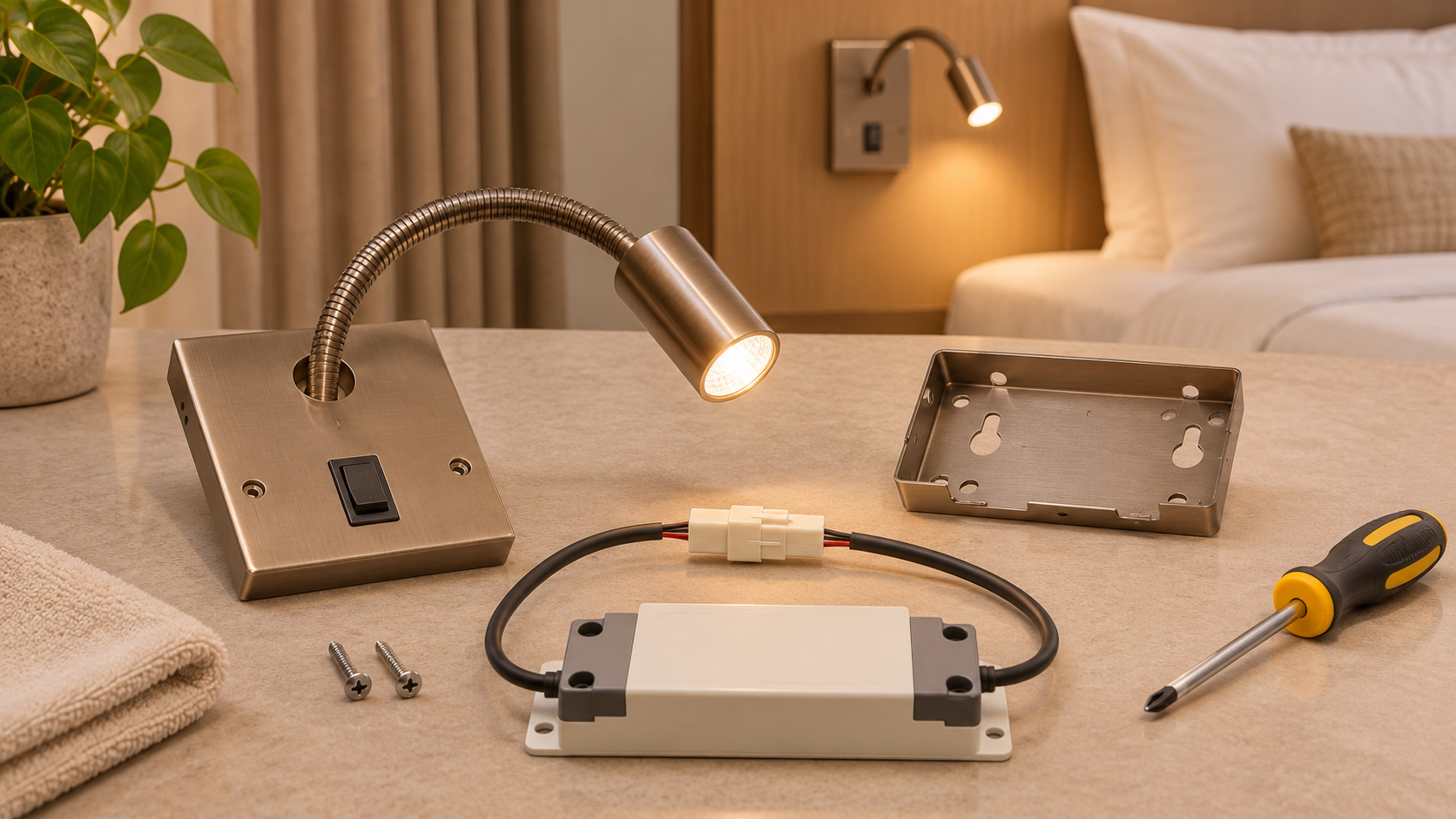
Drivers, connectors, switches, LED modules, optics and mechanical joints can fail or drift independently. The DOE luminaire lifetime report notes that driver and other system components matter alongside the LED source. A quoted LED-chip lifetime should never be used to dismiss a whole-fitting fault. Check the supplied model documentation for replaceability and safe access.
Adjustable heads deserve a mechanical inspection. A loose arm may no longer hold its aim; a stiff joint may invite force from guests. Do not apply an unapproved lubricant or tighten hidden fasteners without the manufacturer's procedure. A damaged diffuser or exposed wiring needs the room taken out of use until a qualified review.
Use a safe triage record
The initial record should identify room, fitting side, model, installed variant, symptom, date, control state and any visible damage. Photograph the unit without exposing guests or confidential information. A qualified technician can then confirm supply and components under the site's isolation procedure. If the same fault recurs across rooms, group the incidents by production lot and revision. Repeated replacement without cause analysis can hide a design or installation issue.
Keep failed components where the supplier needs them for assessment. Record the replacement part and whether appearance, CCT or switch behaviour changes after repair. The driver replacement guide deals with one specific repair pathway, while the USB troubleshooting guide isolates charging symptoms.
Prevention through specification
Before selecting a bedside light, ask how a failed driver, switch or charger will be reached; whether the head joint can be serviced; and which parts remain available. Test the finished room with the intended controls and cleaning method. Keep a spare schedule and approved finish sample. A fault log can show which checks mattered and which assumptions were wrong.
The goal is not to promise failure-free operation. It is to make faults identifiable, safe to address and less disruptive to the guest room.