Quick answer
Rule out cable, device and room power-state issues first; send persistent port or module faults to qualified service staff.
To troubleshoot USB charging in hotel wall lights, first separate the guest device and cable from the wall-light module, then check the room's expected power state. A port that looks inactive may be switched with the light or master circuit; a slow-charge complaint may reflect the device's charging protocol rather than a failed outlet. Do not open the fitting or probe mains wiring without a qualified technician and the manufacturer's instructions. Record the exact model, port type and documented output before comparing behaviour across rooms.
Start with a repeatable guest test
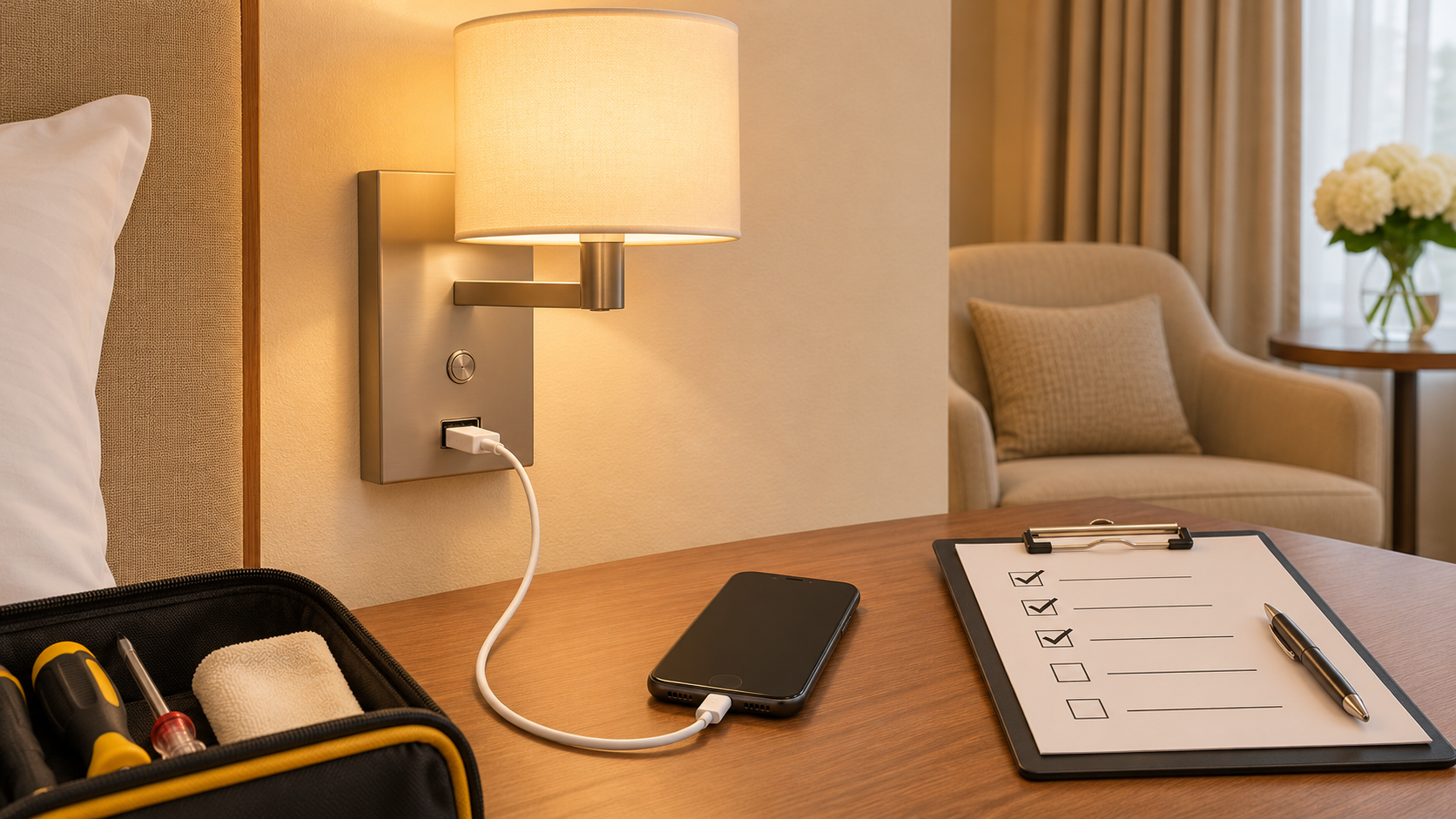
Ask what device and cable were used, whether the reading light was on, and whether the room key-card or master control was active. Test with a known working cable and device approved for the hotel's support procedure. Look for debris or physical damage at the port without inserting metal objects or cleaning liquid. If the device charges elsewhere but not at the wall, move to the fitting and circuit record. If many devices fail on one cable, the cable may be the problem.
USB-A and USB-C describe connector shapes, not a guaranteed charging speed. A USB-C port does not automatically support USB Power Delivery. The documented MYDE MD-WL-Y003 has a USB-A 5 V/2 A output; that model-specific fact does not describe another MYDE light or promise charging time for a particular phone. Confirm the current ordered variant and its instructions. The switch and charging selection guide explains how the function should have been specified.
Check the control and power path
Determine whether the port should remain powered when the reading light is off, when a room master switch is off, or after a key card is removed. Compare with a known good room of the same electrical revision. A difference can reveal a module or wiring fault; identical behaviour may be the designed sequence. Ask the electrical team to review the approved circuit drawing rather than assuming the USB module is tied to the light source.
If the fitting contains a separate mains receptacle, do not treat its behaviour as proof of USB health. It may be on another circuit or have different protection. The local qualified worker should diagnose any supply or protective-device issue under site procedures.
Inspect the module and maintenance record
Look for loose ports, heat marks, water exposure or repeated guest complaints. Remove a damaged unit from service pending qualified review. Ask the supplier whether the USB board is replaceable, which part number matches the luminaire and whether the approval evidence covers the replacement. A module that physically fits may have a different output, control behaviour or heat path. Record any swap by room and revision.
Avoid promising that a given port will charge every device at a particular speed. Device negotiation, cable quality and battery state affect results. Use a documented test device and state what was observed, not a general claim about performance.
Close the service ticket
Test the repaired or replaced module with the known device and cable in each relevant room-control state. Confirm the light still works, the plate is secure and the visible finish is undamaged. Update the room asset record with the exact replacement part, test state and technician. If the same failure appears across multiple rooms, review the production lot and room-control design before repeating individual repairs.
This sequence helps facilities teams narrow a complaint safely. It is not a wiring instruction for guests or unqualified staff.