
Quick answer
Define the devices to support, verify the exact module's output and profiles, and test guest reach and power behavior in the room.
USB-C charging requirements for hotel rooms start with the devices the hotel intends to support, the output that can be verified, and the way a guest will use the port. USB-C names the connector; it does not guarantee USB Power Delivery, a particular charging speed or compatibility with every laptop. Specify the exact module, supported power profiles and destination-market electrical evidence, then test representative devices and cables in a furnished room. Put the port within reach and confirm whether it stays powered when room lights are switched off.
Define the guest use case
Decide whether the room promises convenient phone charging, tablet charging or higher-power device support. The physical connector alone cannot answer that question. USB-IF's Type-C terminology guidance explicitly distinguishes USB Type-C from USB Power Delivery. Avoid describing a port as laptop-ready until the exact output and supported profiles have been verified.
Also decide whether guests need a separate local mains socket. Connector choice does not replace destination-market receptacle design. Ask the electrical team to review protection, accessibility and regulatory documentation for the ordered module.
Put output details on the schedule
Record connector type, rated output, supported USB Power Delivery profiles if present, the number of simultaneous ports and any sharing or derating behavior. Ask what happens when two devices charge at once and when the room master is switched off. Review test evidence for the exact module rather than a family brochure.
The documented MD-WL-Y003 has one USB-A output rated 5 V/2 A. It is useful as a reminder that a bedside charging feature can be precisely specified, but it is not evidence of a USB-C option or Power Delivery. Do not rename its connector in public copy.
Check reach in the finished room
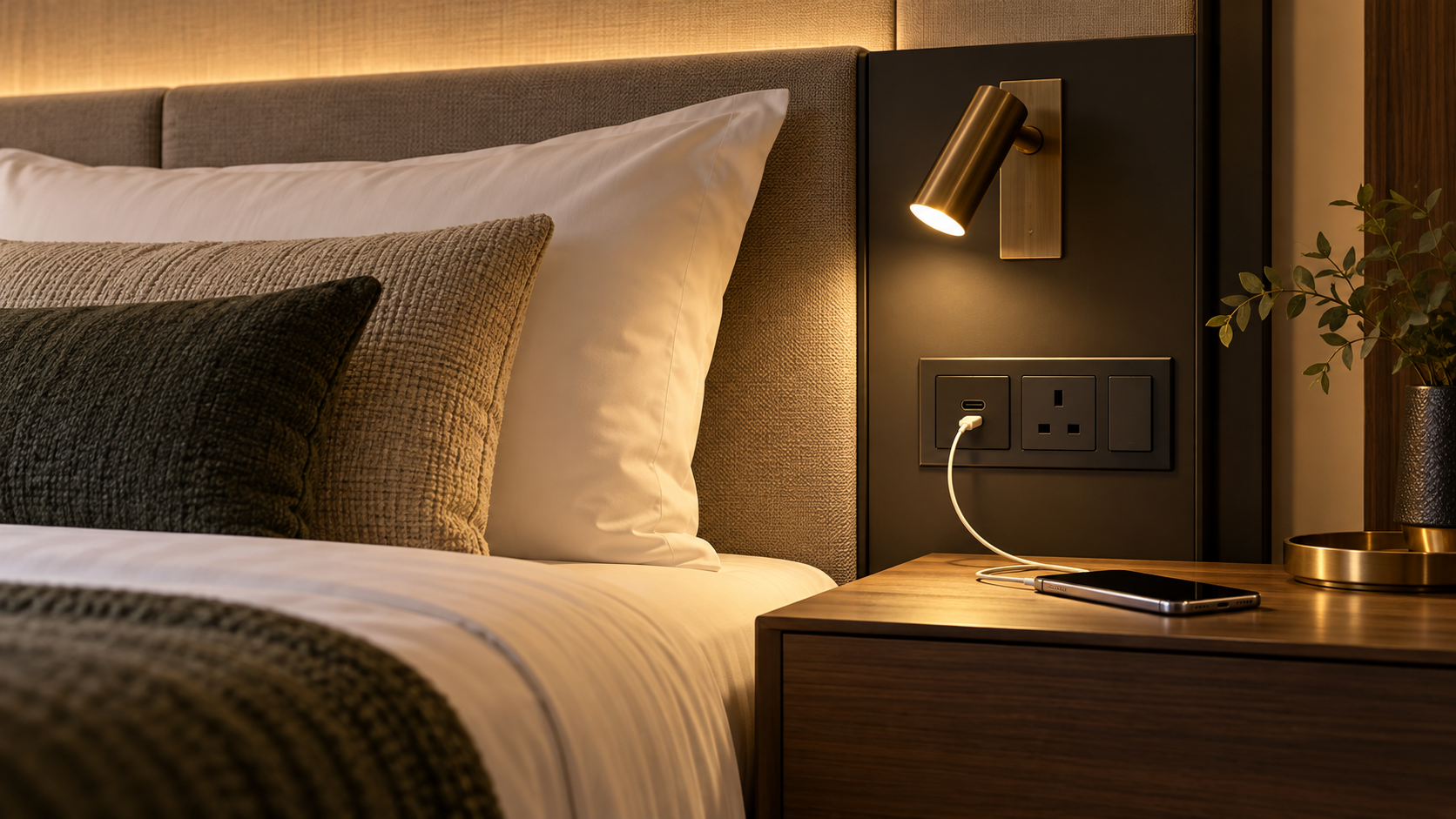
Test the proposed port from the final mattress with pillows, side table and common cable lengths in place. Can a guest connect a phone without reaching behind furniture? Is there a safe resting surface for the device? Does a cable interfere with the reading-light switch or walking route? The USB outlet placement guide provides the room test.
In a shared bed, check both positions independently. A mirrored electrical elevation may not feel symmetrical to guests once furniture and walls are installed.
Verify operation and maintainability
Use representative devices and appropriate cables to test connection, charging indication and behavior after power cycling. A device screen is a convenience check, not a calibrated power measurement. Where output matters contractually, use the project's electrical test method and record the operating conditions.
Ask how the module is replaced, whether it is part of the light or a separate component, and what identification appears on the as-built schedule. If a USB-C module is substituted during procurement, compare connector, profiles, simultaneous-load behavior, fit and compliance before approval. Treat every claimed charging capability as configuration-specific.
Keep guest-facing language aligned with that evidence. If the tested module only establishes basic device charging, describe it that way. A promise of universal laptop charging can become misleading as device requirements and cables vary. Review the wording again if the hardware changes.