
Quick answer
USB-C can be useful when its exact power profiles and replacement path fit the room brief. The connector alone does not promise Power Delivery or a specific charging speed.
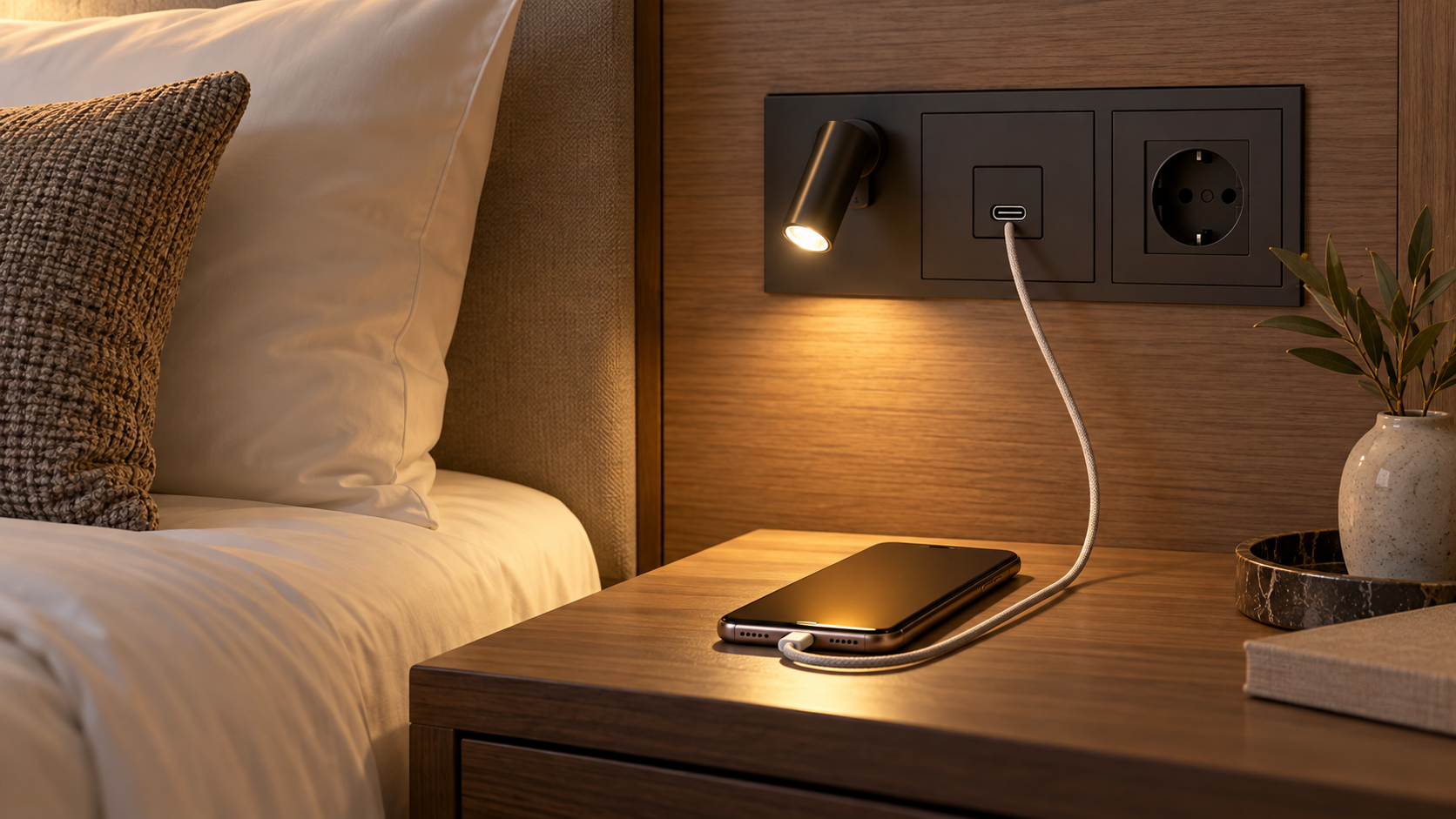
Should hotels install USB-C at the bedside? It can be a useful guest amenity where the target devices and maintenance plan justify it, but specify the charging function rather than the connector shape alone. A USB-C receptacle does not automatically provide USB Power Delivery or a particular wattage. Decide which devices the room should support, whether a conventional outlet remains available, and how a failed module can be replaced without extensive headboard work.
Start with guest use and room life
Map the likely devices: phones, tablets and perhaps laptops have different power needs. Define whether guests need charging on both sides of a double bed and whether the supply stays active when lights are off. A port that becomes unavailable with the reading light or room master may disappoint even when its connector is correct. Confirm the operating sequence in the complete room controls design.
The USB Implementers Forum's product-language guidance explicitly distinguishes USB Type-C from USB Power Delivery. Ask the supplier for the exact output profiles, total shared power if there are multiple ports, cable assumptions, electrical approvals and temperature/service information for the ordered module. Do not describe a port as fast charging without compatible-device and power evidence.
Compare integrated and separate arrangements
An integrated bedside light can place the port close to the guest and reduce visible hardware. It also links charging service to the luminaire's mechanical and electrical assembly. A separate outlet or charging module can give a different replacement path and perhaps more choice when connector standards change. Compare the headboard section, cable routes, isolation and accessible service path for both designs.
MYDE's documented MD-WL-Y003 configuration has one USB-A port rated 5 V/2 A. It is not evidence that MYDE offers USB-C or Power Delivery on that model. Treat it as a reminder to check exact configurations rather than inferring features from a product family. The integrated USB versus separate outlet guide gives a framework for the room-level comparison.
Check market and service requirements
Have the project's qualified electrical team verify local outlet, protection and certification requirements. Request evidence for the complete installed product, not only for a connector or internal component. Plan how facilities staff will identify a failed port, isolate the correct circuit and order a compatible replacement. A module that cannot be replaced efficiently may cost more over the room's life than a convenient first installation saves.
Test representative phones and other agreed devices in a full-size room with the intended cables. Check simultaneous use of light and charging, both guest sides, master-control behaviour and heat under the manufacturer's specified conditions. Record the actual tested power profiles; do not use the device's screen icon as the sole evidence of charging performance.
Decision checklist
- Define device classes and required charging profiles.
- Confirm port count, output and shared-power behaviour in writing.
- Test with room master and bedside controls in every intended state.
- Keep a conventional power option if the brief requires it.
- Approve the replacement and electrical-evidence path before repeat ordering.
Install USB-C when the exact approved module fits the guest task and the room's service strategy. Keep the claim limited to what that module and its documentation actually prove.