Quick answer
Request a photometric file for the exact luminaire and configuration, then verify its identity, light output and test basis before importing it into a room calculation. Use the result to compare placement and task light, and confirm it with a physical sample.
Photometric files help a hotel lighting designer predict where a luminaire sends light, but only if the file matches the exact product being ordered. Request an IES or LDT file with its model, optic, colour temperature, driver setting and test basis. Import it into a room model with realistic geometry, then use the calculation to compare placements and task conditions. Confirm the selected configuration in a physical mock-up. A file for a similar fitting, or a decorative rendering, is not evidence for the proposed room.
What the file represents
An IES file is a standard electronic format for luminaire photometric data; the Illuminating Engineering Society maintains the LM-63 format. LDT is another common format used in European lighting workflows. These files describe measured or supplied light-distribution data that calculation software can use. They do not include the whole guestroom, the actual mattress position, the final wall reflectance or the guest's subjective comfort.
The IES LM-63 standard listing identifies the file format. The US Department of Energy has described manufacturer-provided IES data as an input to lighting simulations. The designer should still examine the test report and limitations for a project decision.
Match the file to the purchase schedule
Check the manufacturer, full model code and revision. Ask whether the reported lumens are for the complete luminaire or a source inside it. Confirm optic, lens, shade, colour temperature, LED and driver setting. Note whether the test includes a diffuser or accessory that the project will use. If the supplier offers several beam options, obtain the file for the selected one rather than borrowing another option's data.
Look for a measured photometric report or test reference behind the file. Some files may be calculated or adapted; ask the supplier to explain the basis. Record any mismatch between file and order, and do not hide it inside a calculation output.
Model the room task, not just an empty box
For a guestroom, include the bed, headboard, mattress height, reading plane, desk and large reflective surfaces. Use the actual intended mounting position and aiming direction. Check page illuminance, neighboring pillow spill, circulation light and any visually sensitive surfaces. Compare scenarios with ambient layers on and off.
The calculation can reveal that a proposed fitting position is unlikely to cover the book or that a source may spill across the bed. It does not prove that the controls are clear, the LED is shielded from the eye, or the installation is serviceable. Those remain mock-up checks.
Handle missing files honestly
If no matching file is available, do not create a synthetic “MYDE IES” file from wattage or beam angle. Ask for measured data or a physical sample and mark the quantitative prediction as provisional. A 3 W power figure and a nominal 30° beam do not supply the full intensity distribution. Never transfer a file between models because their visible heads look similar.
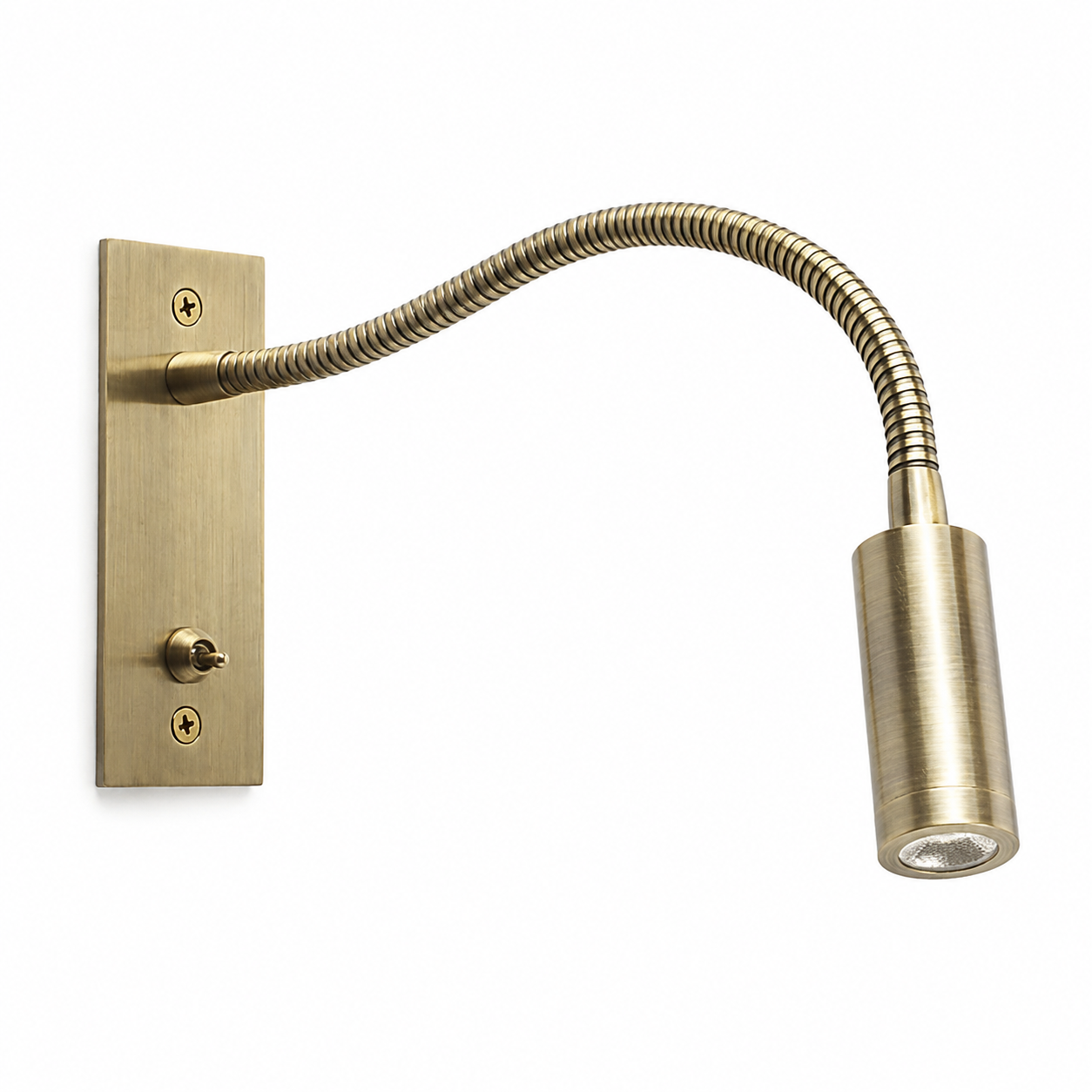
The MYDE source packs for MD-WL-Y135 and MD-WL-Y003 confirm model-specific 3 W reading heads and 30° nominal beams, but the packs reviewed for this guide do not establish a verified IES or LDT download for either exact configuration. The appropriate next step is to request the matching file and report. The bedside lumen guide explains why output alone is insufficient. Send MYDE the ordered configuration and room calculation brief to ask which photometric evidence is available.