Quick answer
Confirm the IES file matches the exact luminaire, optic and setting. Model the real book position and room surfaces, then compare calculated results with an installed sample.
To read an IES file for a bedside reading light, first confirm that it represents the exact luminaire, optic and operating configuration you intend to buy. The file describes measured light distribution, often as luminous intensity by angle, for use in lighting calculations. It is useful for estimating what reaches a book and where spill may go. It is not an installation drawing, a certification, or proof that the actual room will feel comfortable without a mock-up.
Verify file identity before importing it
Check the file header and accompanying report for manufacturer, model, source, optical option, power setting, test date and orientation. A similar model name or shared housing does not make two distributions interchangeable. Ask whether the file is for the complete luminaire or only a source component. Note any stated lumen multiplier and the physical aiming direction.
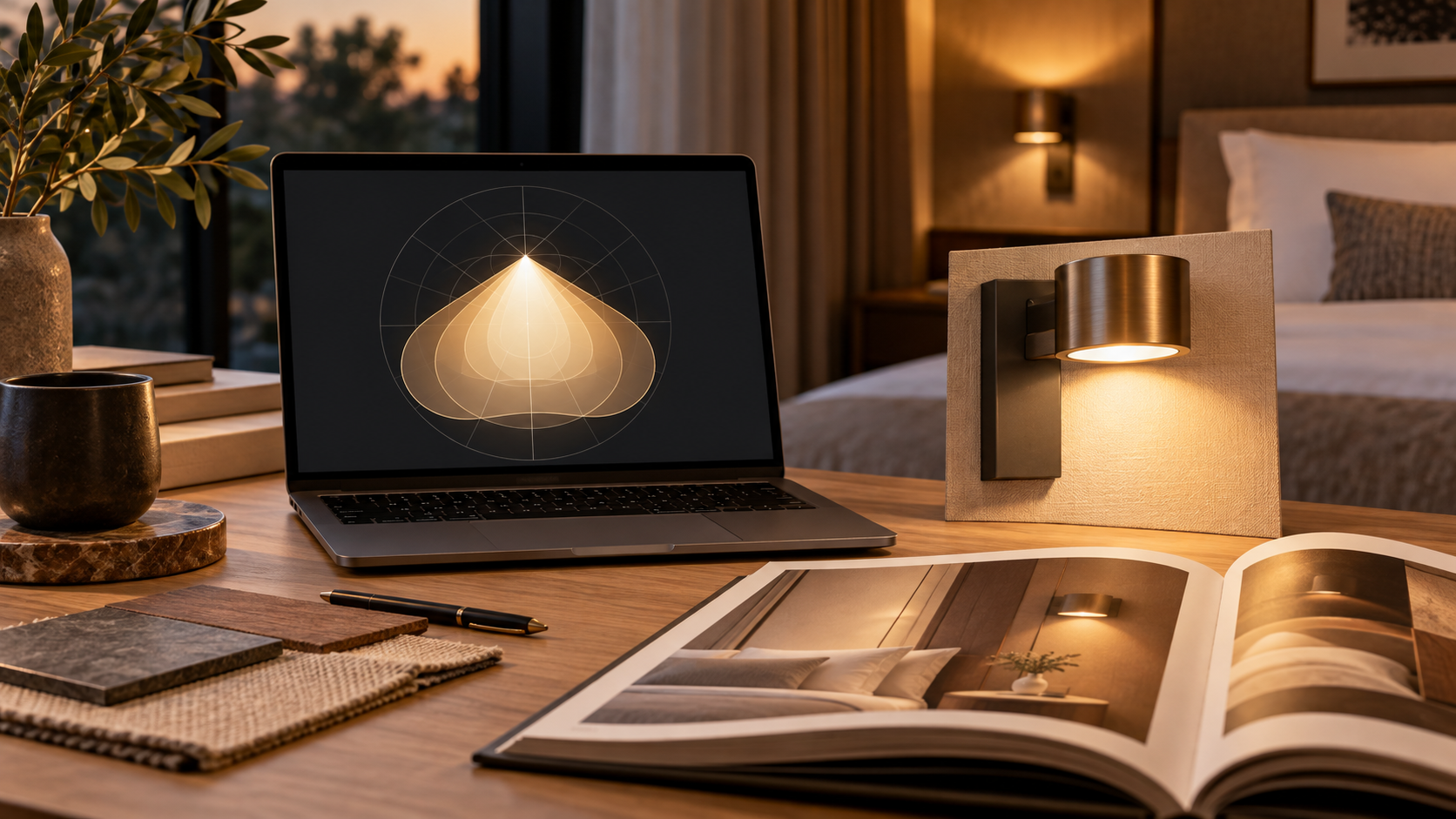
The Illuminating Engineering Society's introduction to IES files explains how measured photometric information feeds software calculations. The numeric text is not designed to be judged by eye alone. Use a suitable lighting tool and have a competent designer check the input geometry and calculation settings.
Model the room task, not an empty box
Place the luminaire at its intended mounting point, orient the photometry correctly and draw a tilted reading plane where a guest holds a book. Include the bed, headboard and adjacent pillow. Enter reasonable surface reflectances for the actual finishes; a pale headboard and dark upholstered one can give a different impression even with identical light output.
Review page illuminance at several points rather than one centre value. Then inspect the predicted distribution toward the neighbouring pillow and any direct view of the source. The file's data can support these checks, but glare may need an additional visual assessment. A simulated cone that looks tidy on a plan may still expose a bright lens at seated eye level.
Compare calculation with an installed sample
Build a full-size headboard sample and measure at the reading plane under documented conditions. Record book position, fixture aim, other room lights and meter location. If the measured result differs, check orientation, distance, driver output and the exact file revision before changing the design. Do not silently scale the photometry to match a preferred answer.
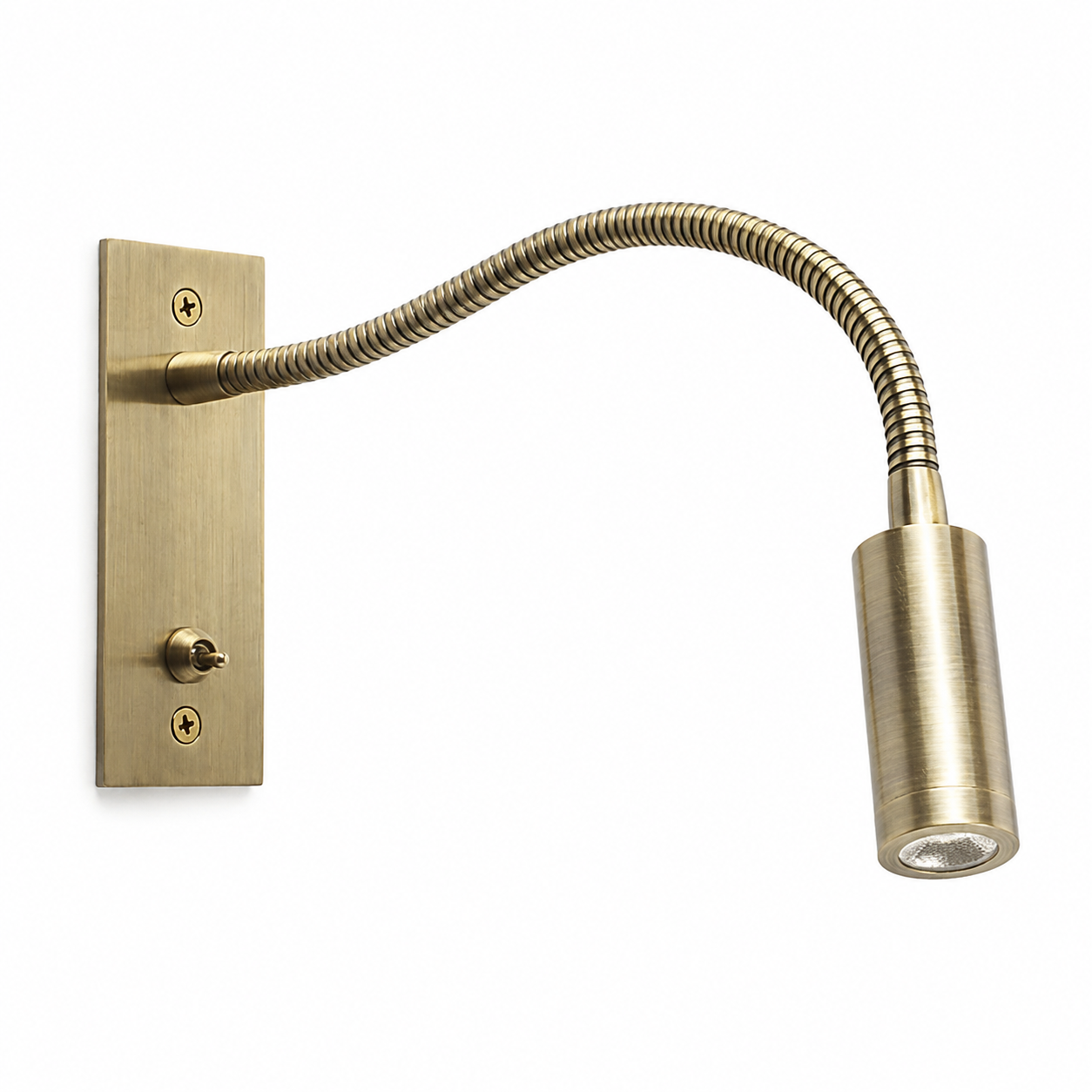
The MD-WL-Y135 fact pack names a 30-degree beam for the documented reading head, but a beam-angle label alone is not an IES file. Request the relevant measured data for the ordered configuration if the project requires simulation. The beam-angle guide explains the separate physical-room acceptance checks.
Keep a traceable approval package
- Save the original IES file and its source document with a date.
- Record the exact luminaire and optical option used in the model.
- State mounting, aiming, room reflectances and reading-plane geometry.
- Keep calculation outputs and mock-up measurements side by side.
- Recalculate if a driver, optic or mounting point changes.
An IES file is strongest as one piece of evidence in a coordinated design. It helps narrow and document choices; the signed room sample confirms what a guest will actually experience.